
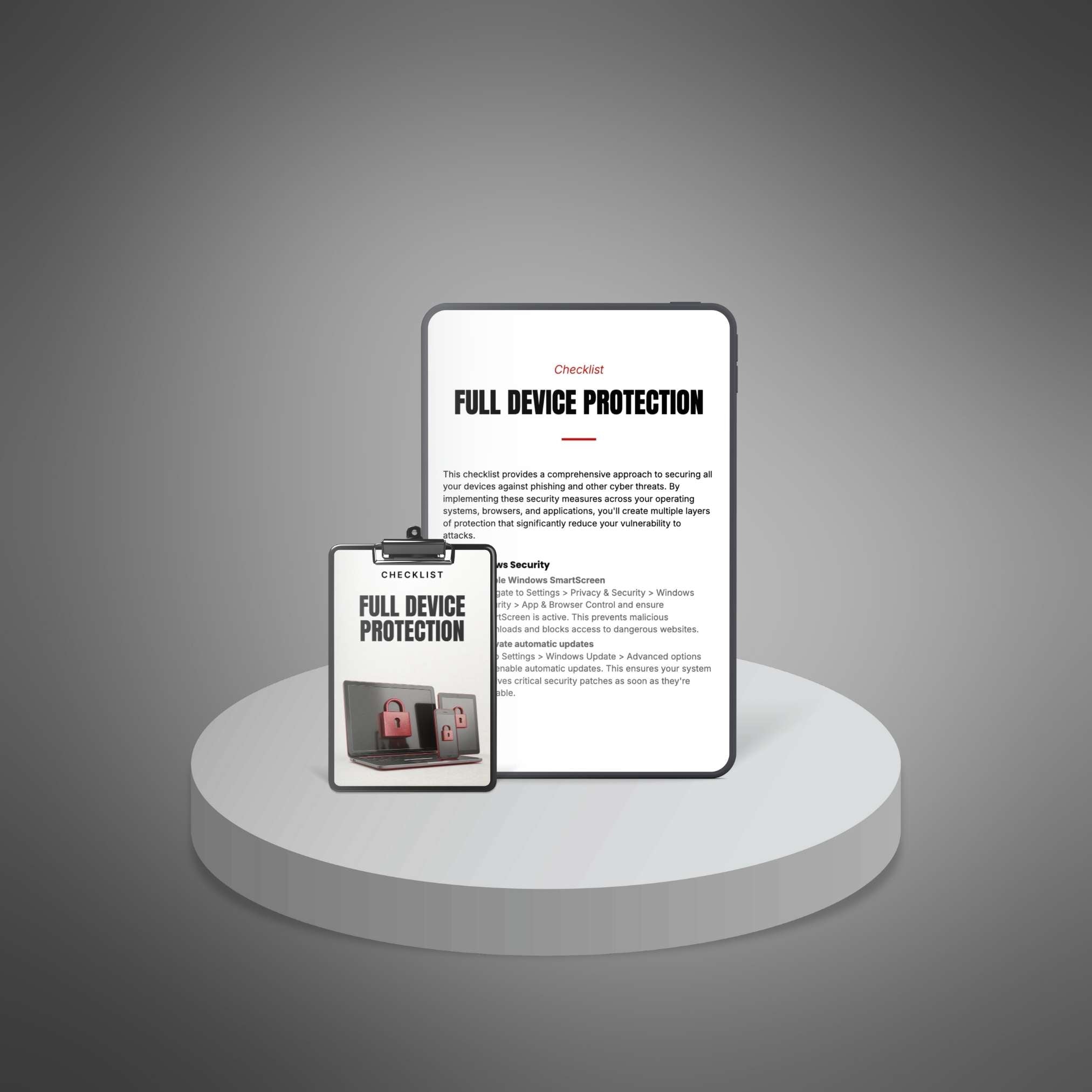
Every time you go online, criminals are trying to break into your devices. They want your passwords. Your photos. Your bank details. Your personal information. And the scary part? Most devices come with weak security settings right out of the box.
You've probably heard the horror stories. Someone clicks one wrong link and loses their entire savings. A family's private photos get stolen and held for ransom. A small business gets wiped out by a single virus. It happens thousands of times every single day.
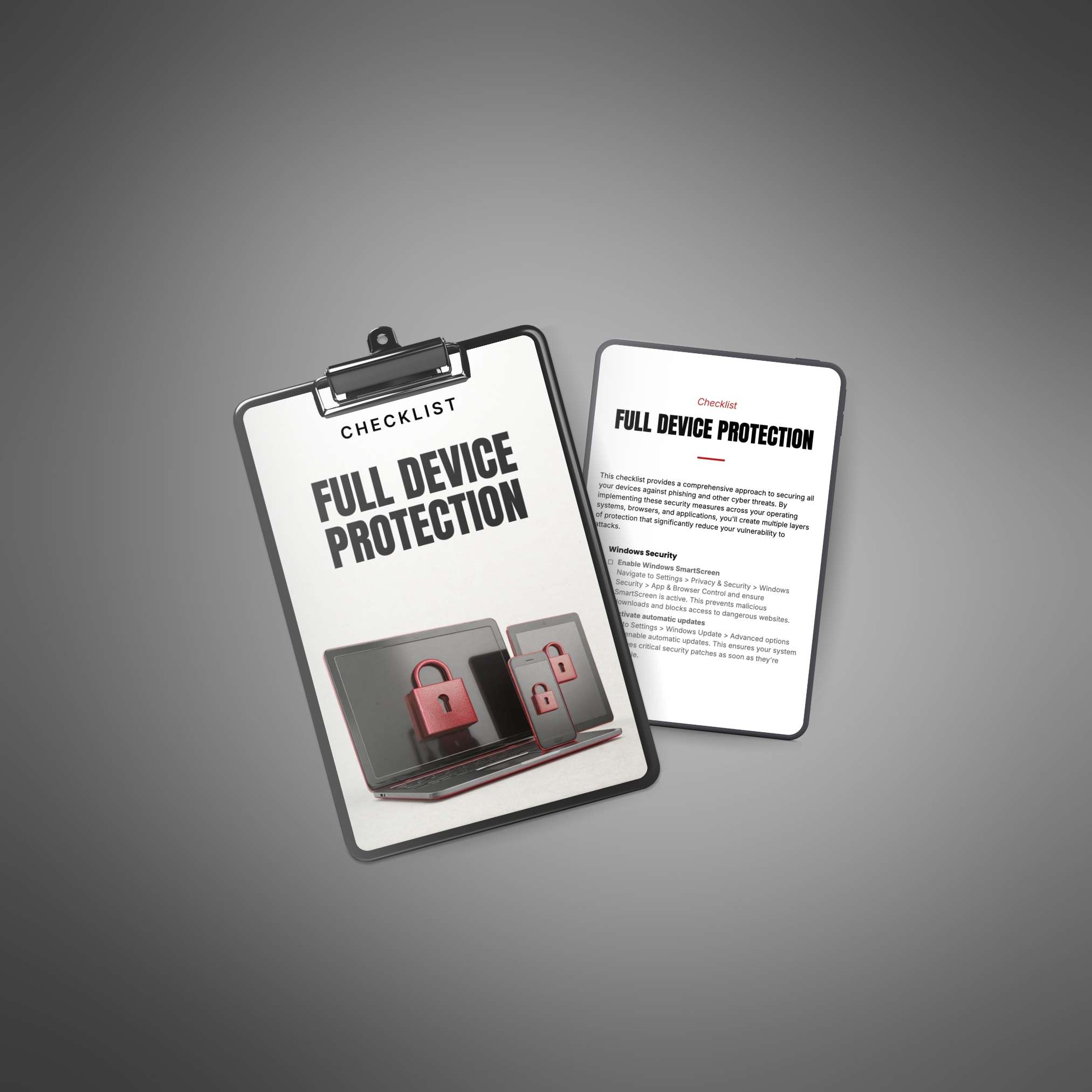
Stop Leaving Your Digital Door Wide Open
The truth is, you don't need to be a tech genius to protect yourself. You just need to know which buttons to press and which settings to change. That's exactly what this checklist gives you.
Your Complete Device Protection Roadmap
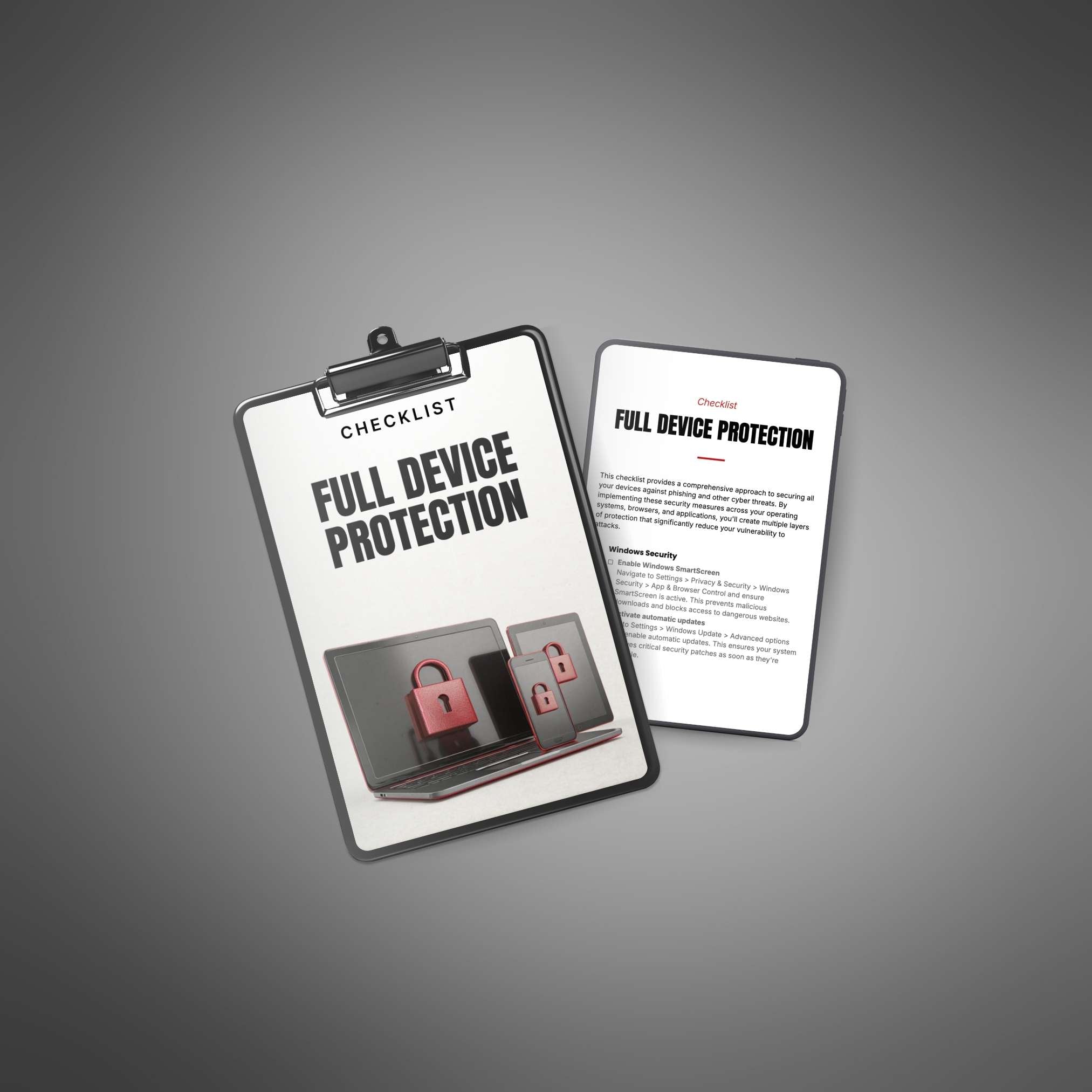
Inside, you'll find crystal-clear instructions for securing every device you own. Windows PC? Covered. Mac? Covered. iPhone, Android, Chrome, Safari? All covered. Each step is written in plain English, with no confusing jargon or technical mumbo-jumbo.
We're talking about simple actions like turning on automatic updates (sounds basic, but most people forget), reviewing which apps have access to your camera and location (you'd be shocked), and setting up proper browser security (this alone stops most attacks cold).
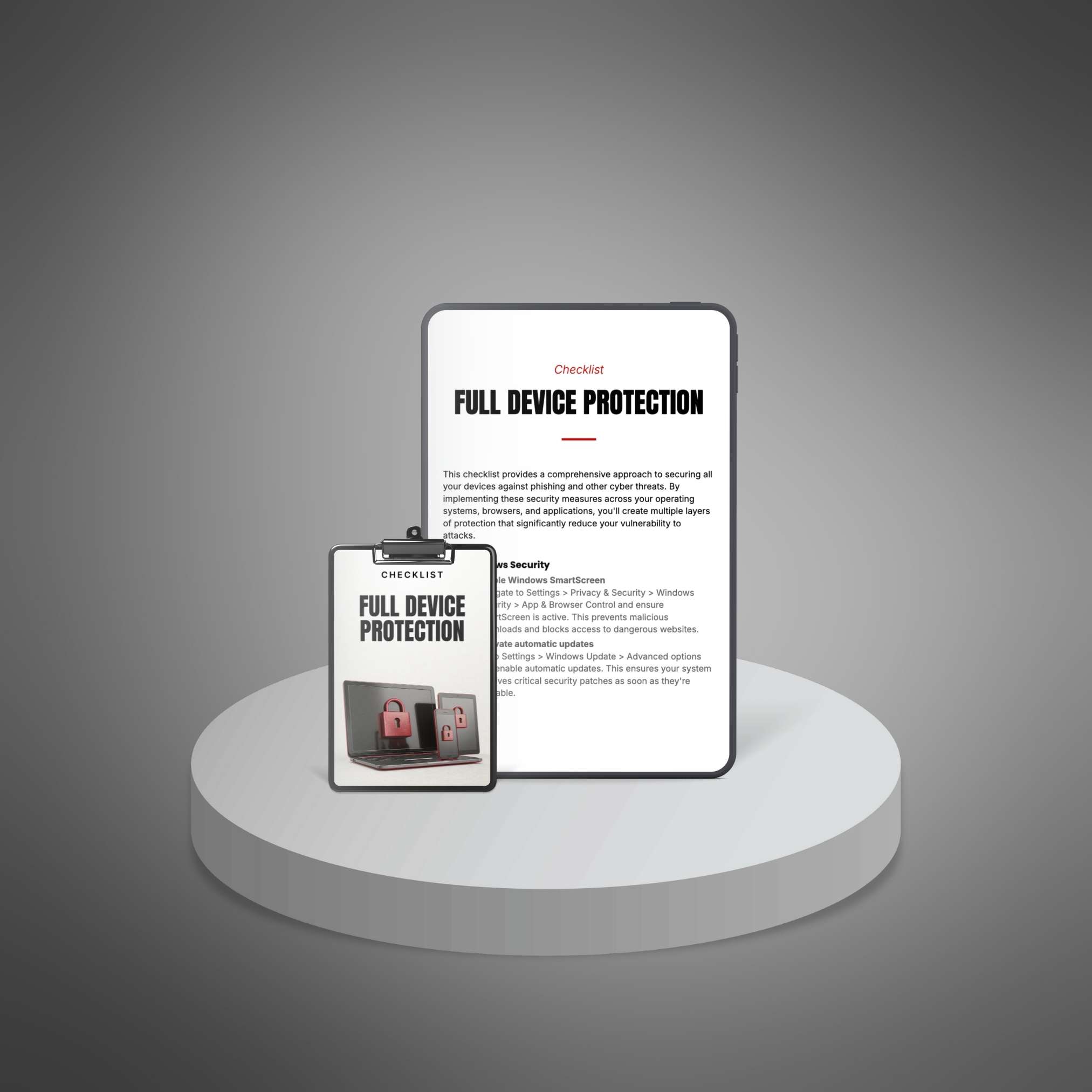
Lock Down Everything in One Afternoon
This isn't some 200-page manual that sits on your digital shelf forever. It's a practical, get-it-done-now checklist you can work through in a few hours. Then you're protected. Your family is safer. Your information stays yours. And you can actually relax when you're online instead of wondering if the next click will be the one that causes problems.